
For a content creator, technology is not simply office equipment. It is the production studio, distribution channel, collaboration system and often the main way income reaches the business. When the computer freezes during an export, a microphone disappears before a recording or an unstable connection interrupts a live stream, the problem can affect deadlines, sponsors and audience trust.
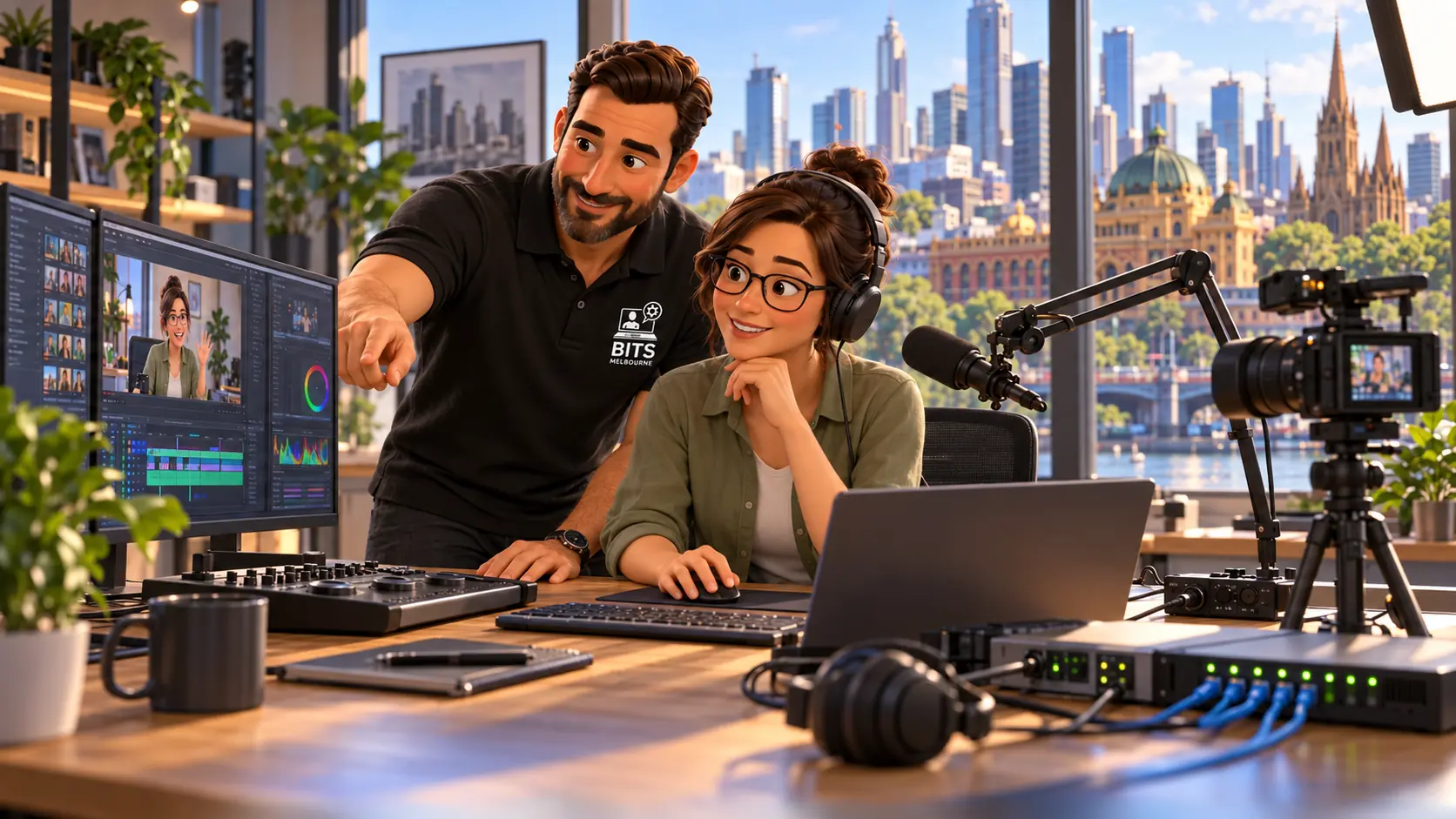
Reliable creator technology connects the workstation, internet, studio network, audio equipment, storage, backup and support process.
This guide explains how Australian YouTubers, streamers, podcasters, photographers, videographers and creator-led teams can build a more reliable technical foundation. It focuses on the systems behind production: computers, audio and video devices, internet, storage, backups, team access and professional support.
It continues our cyber security checklist for content creators and influencers. That guide concentrates on protecting accounts, devices and content. This article looks more broadly at keeping the production workflow fast, dependable and supportable.
A creator studio does not need to be complicated. It needs to be designed around the work, tested before important sessions and recoverable when a device, connection or account fails.
Why IT Support for Content Creators Is Different
A conventional office may work mainly with documents, email and web applications. A creator environment can add high-resolution footage, live video, multitrack audio, cameras, capture cards, lighting controllers, fast external storage and several platforms that must work together in real time.
The pressure is different too. A normal fault becomes much more expensive when a guest is waiting, a sponsored stream is about to start or a campaign export is due that afternoon. The creator may also be the presenter, producer and first-line technician at the same time.
That combination creates several common risks:
One production computer becomes a single point of failure
Internet performance is judged by download speed while upload quality is overlooked
USB devices, hubs and capture equipment compete for bandwidth or power
Raw footage and project files accumulate faster than the backup system can handle
Editors and managers receive broad account access because it is convenient
Software, plugins, firmware and drivers are updated immediately before an important job
No one has documented how the studio is connected or how to recover it
Professional creator IT support treats these as connected business issues rather than isolated gadgets.
Start With the Creator Workflow, Not a Shopping List
Buying more equipment does not automatically make a studio reliable. Before specifying a computer, network or storage system, map the actual workflow from capture to archive.
| Workflow stage | Questions to answer | Technology priorities |
|---|---|---|
Planning | Who needs access to briefs, calendars, scripts and brand files? | Professional email, shared storage, permissions and organised collaboration |
Recording | Which cameras, microphones, interfaces and applications must work together? | Compatible hardware, stable drivers, sufficient ports, power and local recording |
Live streaming | What resolution, platform and redundancy are required? | Reliable upload, wired networking, stream settings, monitoring and fallback connectivity |
Editing | Which codecs, effects, project sizes and turnaround times are typical? | Suitable CPU, GPU, memory, fast working storage and calibrated displays where required |
Delivery | How are large files reviewed, approved and transferred? | Secure sharing, version control, sufficient upload capacity and clear ownership |
Archive | What must be retained and how quickly must it be restored? | Separate backups, archive storage, retention rules and tested recovery |
This assessment prevents money being spent on specifications that look impressive but do not solve the real bottleneck.
1. Build a Workstation for the Actual Creative Workload
A computer suitable for short social clips may not be suitable for multicamera 4K editing, complex motion graphics or simultaneous gaming and live encoding. The right specification depends on the applications, codecs, effects, project length and delivery deadlines.
Key areas to assess include:
Processor: important for decoding, encoding, effects, audio processing and multitasking
Graphics: important where editing, rendering, effects or stream encoding can use GPU acceleration
Memory: needs to support the application, project size and other tools used at the same time
Working storage: fast storage helps with active media, cache files, proxies and project responsiveness
Connectivity: cameras, interfaces, capture devices, docks and external storage need the correct ports and available bandwidth
Cooling and power: sustained creative workloads expose weak cooling, unstable power and undersized components
Supportability: warranty, replacement options, documentation and a known recovery path matter when the device produces income
A creator does not always need the most expensive computer. They need a balanced system with enough performance for the current workflow and a sensible path for growth. BITS Melbourne can help specify, upgrade and support creator workstations and studio technology without treating every creator as if they have the same workload.
2. Treat Upload Performance as a Production Requirement
Internet plans are often marketed around download speed, but live streaming and large media delivery depend heavily on upload performance. The advertised maximum is only part of the picture. Stability, latency, jitter, packet loss, congestion and the quality of the local network can all affect a broadcast.
There is no single upload-speed number that suits every creator. Requirements change with resolution, frame rate, encoder settings, platform guidance and whether other people or devices are using the connection. The safer approach is to test sustained performance under realistic conditions and maintain usable headroom above the intended stream bitrate.
For important live work:
Use a wired Ethernet connection for the production computer where practical
Test from the exact studio location rather than relying on a phone speed test elsewhere
Check upload consistency at the same time of day as the planned stream
Control unnecessary uploads, cloud synchronisation and guest traffic during production
Understand whether a secondary connection or mobile fallback is realistic
Document the platform and encoder settings that have been tested successfully
Our business internet services and network upgrade service can help identify whether the bottleneck is the internet service, router, Wi-Fi, cabling or production device.
3. Use Wired Networking Where Reliability Matters Most
Modern Wi-Fi is excellent for phones, tablets and flexible devices, but a fixed editing or streaming workstation usually benefits from a wired connection. Ethernet avoids many of the interference, roaming and signal-quality variables that can affect wireless performance.
A creator studio network may need to handle internet traffic, cloud synchronisation, large transfers to shared storage, cameras, smart devices and guest access. Putting every device on the same basic consumer router can make faults difficult to isolate.
A sensible studio design may include:
Wired connections for streaming computers, editing workstations and shared storage
Quality Wi-Fi coverage for mobile production devices and normal business use
A separate guest network for visitors
Clear labels and documentation for key connections
Appropriate switching speed for large media transfers
Battery backup for critical network equipment where brief power interruptions would stop production
Monitoring that helps distinguish an internet outage from a local network problem
The goal is not to turn a small studio into a data centre. It is to give the most important devices a predictable path and make faults easier to identify.
4. Make the Audio and Video Chain Repeatable
Podcast and streaming faults are often caused by the connections between devices rather than the microphone or camera itself. An unreliable hub, unsuitable cable, competing driver, incorrect sample rate or changed application setting can interrupt an otherwise professional setup.
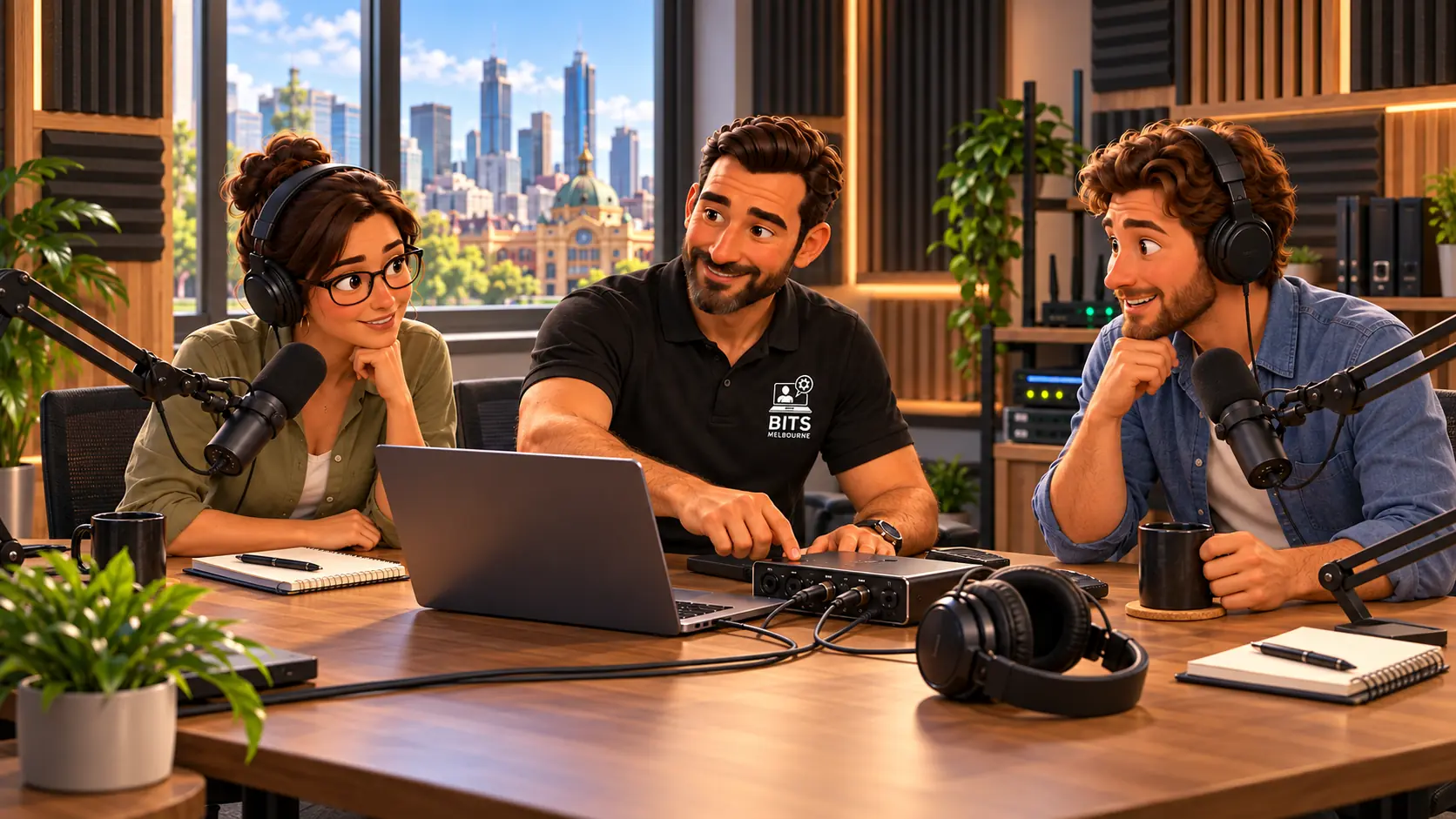
A documented and tested podcast setup reduces last-minute troubleshooting when guests, sponsors and production deadlines are involved.
Create a known working configuration and record it. Note which port each critical device uses, the normal audio routing, camera or capture settings, power requirements and the applications expected to recognise each source.
Useful practices include:
Avoid moving critical devices between unknown hubs and docks without testing
Keep spare known-good cables for the connections most likely to be disturbed
Label interfaces, power adapters and recording inputs
Record locally where possible when a remote platform is also capturing the session
Monitor audio during recording rather than discovering a problem during editing
Test guest connections and remote recording workflows before the scheduled session
Do not install major updates immediately before an important recording or broadcast
For multicamera or multi-microphone productions, a short pre-production checklist is often more valuable than another emergency purchase.
5. Design Storage Around Speed, Capacity and Recovery
Creator storage has three different jobs: it must keep active projects responsive, provide enough capacity for growing media libraries and protect valuable work from loss. One drive rarely performs all three jobs well by itself.
A practical arrangement can separate:
System and application storage for the operating system and software
Fast working storage for active footage, audio, cache and project files
Shared storage when several people need controlled access to the same production library
Archive storage for completed work that is no longer needed at full production speed
Backup storage that remains separate from everyday working copies
A mirrored drive or redundant storage system can improve availability when one disk fails, but it is not automatically a backup. Accidental deletion, corruption, ransomware or a stolen device can still affect accessible copies. Our cloud backup and data recovery service can help match storage and recovery to the size of the media library and the value of the content.
6. Back Up the Project Files That Cannot Be Recreated
Published videos may exist on a platform, but that does not replace the raw footage, project timeline, audio stems, graphics, thumbnails, sponsor material and original exports used to produce them. Platform compression and access controls also make a public upload a poor substitute for a controlled archive.
Prioritise the information that would be expensive or impossible to recreate. Keep at least one protected copy separate from the everyday production location and confirm that representative files can actually be restored.
Large media libraries require planning. A backup that cannot finish before the next day of filming will continue falling behind. Retention, internet upload capacity, local backup speed and archive policy should be reviewed together.
7. Secure Accounts Without Slowing Production
Reliability and cyber security are connected. A perfectly tuned studio is still unavailable if the email account is compromised, an editor loses access or the creator's main channel is taken over.
Use individual access for editors, assistants and managers wherever platforms allow it. Protect the connected email, domain and cloud storage with strong authentication, review active sessions and keep recovery information current. Save recovery codes somewhere protected and separate from the main phone.
For a detailed account, device and recovery checklist, read our cyber security guide for content creators and influencers. It covers phishing, shared access, protected devices, content backup and recovery preparation.
8. Give Collaborators the Access They Need, Not the Creator's Identity
Creator businesses often rely on freelance editors, managers, agencies, photographers and virtual assistants. Sharing one personal password may feel efficient, but it makes accountability and offboarding difficult.
Use platform roles, individual accounts, secure shared folders and documented ownership. When someone finishes working with the business, remove their access promptly and review any credentials, files or applications they could reach.
Collaboration also benefits from a professional business foundation. setmeup. for content creators can help establish the domain, professional email, website, online media kit and brand enquiry pathway, while BITS Melbourne focuses on the devices, security, backup, studio network and technical support behind production.
9. Separate the Public Brand From the Technology Behind It
Creators commonly build their entire business inside one social platform. That audience is valuable, but the platform controls the account, features and recovery process. An owned domain, professional email address and website give the creator a more stable business identity outside any one channel.
The setmeup. business setup checklist for Australian content creators explains how to organise the public-facing business, including a website, media kit, collaboration enquiries and branded communication. These systems complement the production and security work covered in this guide.
Cross-linking the creator website, professional profiles and useful owned content can also make the brand easier for clients, partners and search engines to understand. The links should be relevant and useful rather than inserted repeatedly for ranking alone.
10. Plan Support Before the Important Session
Emergency support is harder when the technician has never seen the studio, no one knows the administrator accounts and the connection path is undocumented. A short technical review before a major campaign, live event or podcast season can identify avoidable points of failure.
Depending on the creator and workflow, support may include:
Remote troubleshooting for computers, accounts and supported applications
Onsite assistance with Melbourne studio networks, workstations and connected devices
New workstation specification, migration and testing
Internet and Wi-Fi troubleshooting
Backup design and restore testing
Security reviews and safer collaborator access
One-off help before a project, launch or production season
Ongoing support where the creator business depends on several users and devices
Creators who need help with a defined issue can use ad hoc IT support. Larger creator businesses and production teams may benefit from managed IT services that combine support with monitoring, maintenance, documentation, security and planning.
A Pre-Stream or Pre-Recording Technology Checklist
Complete this early enough to fix a problem without delaying the session:
Restart and test the production computer before opening the full project
Confirm the correct microphone, interface, camera and capture sources
Check audio levels, monitoring and a short test recording
Confirm adequate free storage for local recordings and cache files
Test the wired network and sustained upload performance
Pause unnecessary synchronisation, downloads and updates
Confirm lighting, camera power and spare batteries where applicable
Check platform access and multi-factor authentication before guests arrive
Prepare a fallback recording or connectivity option for important work
Make sure the required support contact and administrator details are available
When Should a Creator Call an IT Professional?
Some issues can be solved with a cable replacement or application setting. Professional help becomes more valuable when the problem is recurring, affects revenue, crosses several systems or needs changes that could put existing content at risk.
Consider requesting support when:
Streams drop or lose quality despite apparently fast internet
Audio, cameras or capture devices regularly disconnect
Editing performance no longer matches deadlines
Storage is full, confusing or spread across unprotected drives
Several collaborators need safer access to accounts and files
The creator business relies on one device, inbox or administrator
A new studio, workstation or podcast setup needs to be planned
There is no tested backup or recovery process
Frequently Asked Questions
Do you provide IT support for YouTubers, streamers and podcasters?
Yes. BITS Melbourne can support suitable creator computers, accounts, backup, internet, studio networking and connected production technology. We provide remote assistance across Australia and onsite support for suitable projects in Melbourne.
Can you help troubleshoot a streaming or podcast setup?
Yes. We can help isolate faults across the computer, operating system, drivers, network, storage and connected devices. Application-specific or specialist broadcast requirements can be scoped before work begins so responsibilities are clear.
How much upload speed does a content creator need?
It depends on the platform, resolution, frame rate, encoder settings and other use of the connection. A speed test result alone is not enough; sustained upload quality, latency, jitter, packet loss and realistic headroom should also be considered.
Should a creator use a Mac or Windows PC?
Either can be suitable. The better choice depends on the editing applications, codecs, plugins, connected equipment, collaboration requirements, budget and support plan. Choose around the complete workflow rather than brand preference alone.
Can you set up backup for large video files?
Yes. The design can combine fast local working storage, separate local backup, protected cloud or offsite copies and an archive policy. Capacity, upload speed, retention and restoration time need to be considered together.
Can you help build a creator website and media kit?
Yes. Our related company setmeup. focuses on the public-facing creator business, including domains, professional email, websites, media kits and collaboration enquiry pathways.
Is ongoing managed support required?
No. A creator can request suitable one-off or project assistance. Ongoing support becomes more useful as the business adds staff, production devices, shared storage, security requirements and dependence on reliable technology.
Build a Creator Setup That Is Ready for Real Work
Good creator technology should disappear into the workflow. The microphone connects reliably, the workstation keeps pace, the upload is stable, files are organised, collaborators have appropriate access and important content can be recovered.
BITS Melbourne provides IT support for content creators and influencers, including creator workstations, account security, content backup, studio networking and practical technical support. For the website, professional email, media kit and public business presence, explore setmeup. creator business setup.
Request a free IT assessment to discuss the technology supporting your streaming, podcasting or content production workflow.
How BITS Melbourne can help
BITS Melbourne works with small and growing organisations across Melbourne to assess technology, resolve recurring problems and build practical long-term improvements. You deal directly with experienced technicians who can support users remotely, attend onsite and connect the issue to the wider business environment.