
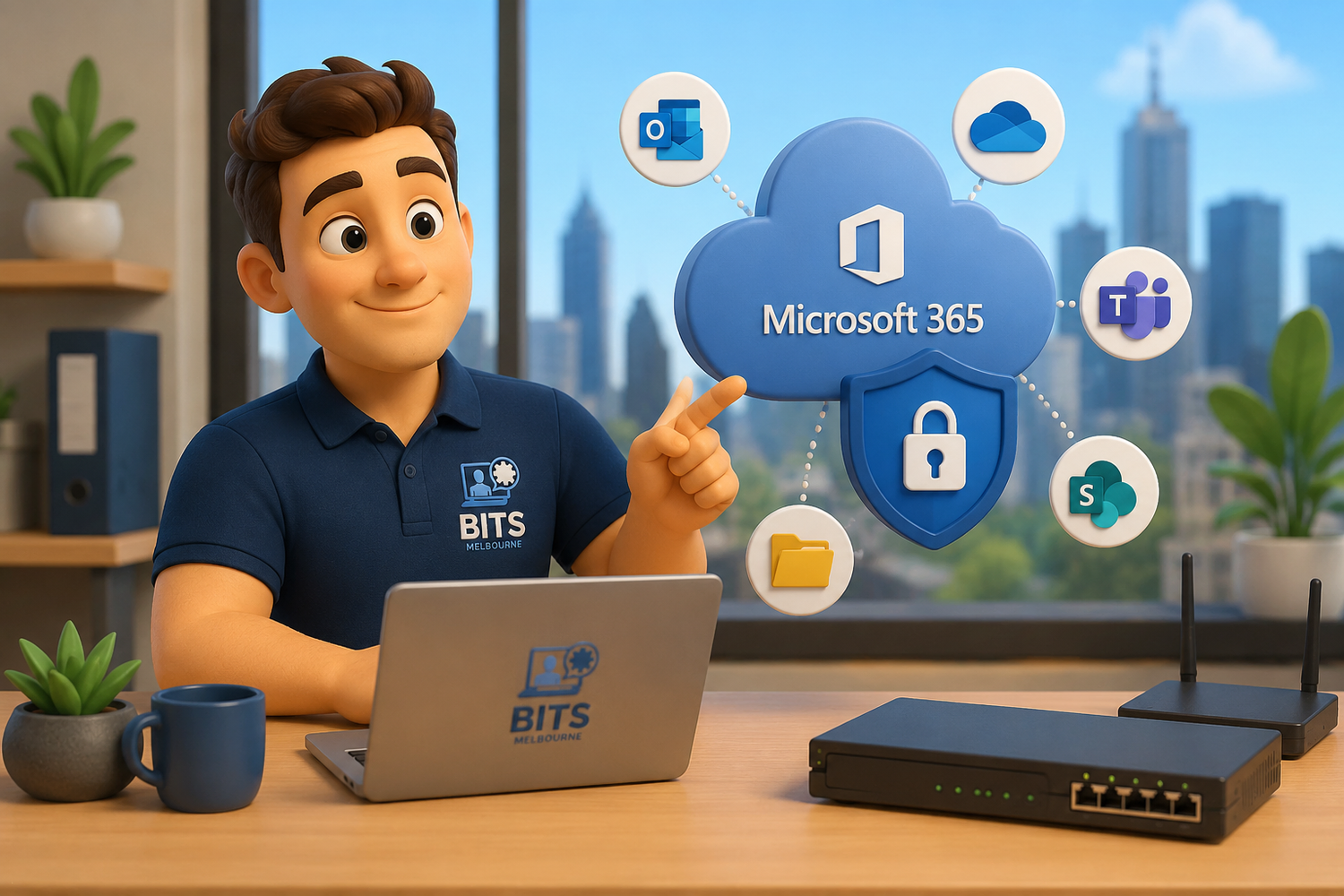
Microsoft 365 keeps your business running, but it doesn't replace a dedicated backup solution. BITS Melbourne helps protect your emails, files, Teams and SharePoint data from accidental deletion, ransomware and data loss.
Many Melbourne businesses believe their Microsoft 365 data is automatically backed up simply because it's stored in the cloud.
Unfortunately, that's one of the biggest misconceptions we come across.
While Microsoft 365 is incredibly reliable, it is not designed to be a complete backup solution for your business. If emails are deleted, files become corrupted, ransomware encrypts your documents or a malicious employee removes company data, Microsoft doesn't always provide a way to recover everything.
At BITS Melbourne, we regularly help businesses protect their Microsoft 365 environments by implementing dedicated backup solutions that ensure critical business data can be restored quickly when something goes wrong.
What Does Microsoft 365 Actually Protect?
Microsoft provides excellent availability for its cloud platform.
This means Microsoft is responsible for keeping their infrastructure online.
However, you are responsible for your own data.
Microsoft follows what's known as the Shared Responsibility Model, meaning they operate the service while your business remains responsible for protecting its information.
Microsoft 365 Does NOT Guarantee Protection Against
Accidental deletion
Malicious deletion
Insider threats
Ransomware attacks
File corruption
Long-term recovery
Legal or compliance retention requirements
Deleted Teams conversations
Deleted SharePoint sites
Many businesses are surprised to learn that once retention periods expire, deleted information may be permanently lost.
A Real Example
Imagine a staff member accidentally deletes an important customer folder from SharePoint.
Nobody notices for several weeks.
By the time someone realises the mistake, Microsoft's retention period has expired.
Without an independent Microsoft 365 backup, that information may be gone forever.
Now imagine that folder contained:
Contracts
Quotes
Invoices
Project documentation
Financial records
Client correspondence
The cost of recreating that information often far exceeds the cost of maintaining proper backups. That's why this blog Microsoft 365 Backup Melbourne is here to help businesses understand their online data is not always as secure as it seems.
What Should Be Backed Up?
A proper Microsoft 365 backup solution should include:
Exchange Online
Emails
Calendars
Contacts
Mailbox folders
OneDrive
Personal files
Desktop folders
Documents
Photos
Business records
SharePoint
Company documents
Team sites
Shared libraries
Version history
Microsoft Teams
Conversations
Shared files
Team channels
Meeting content
Having everything protected means your business can recover quickly from almost any situation.
Common Causes of Data Loss
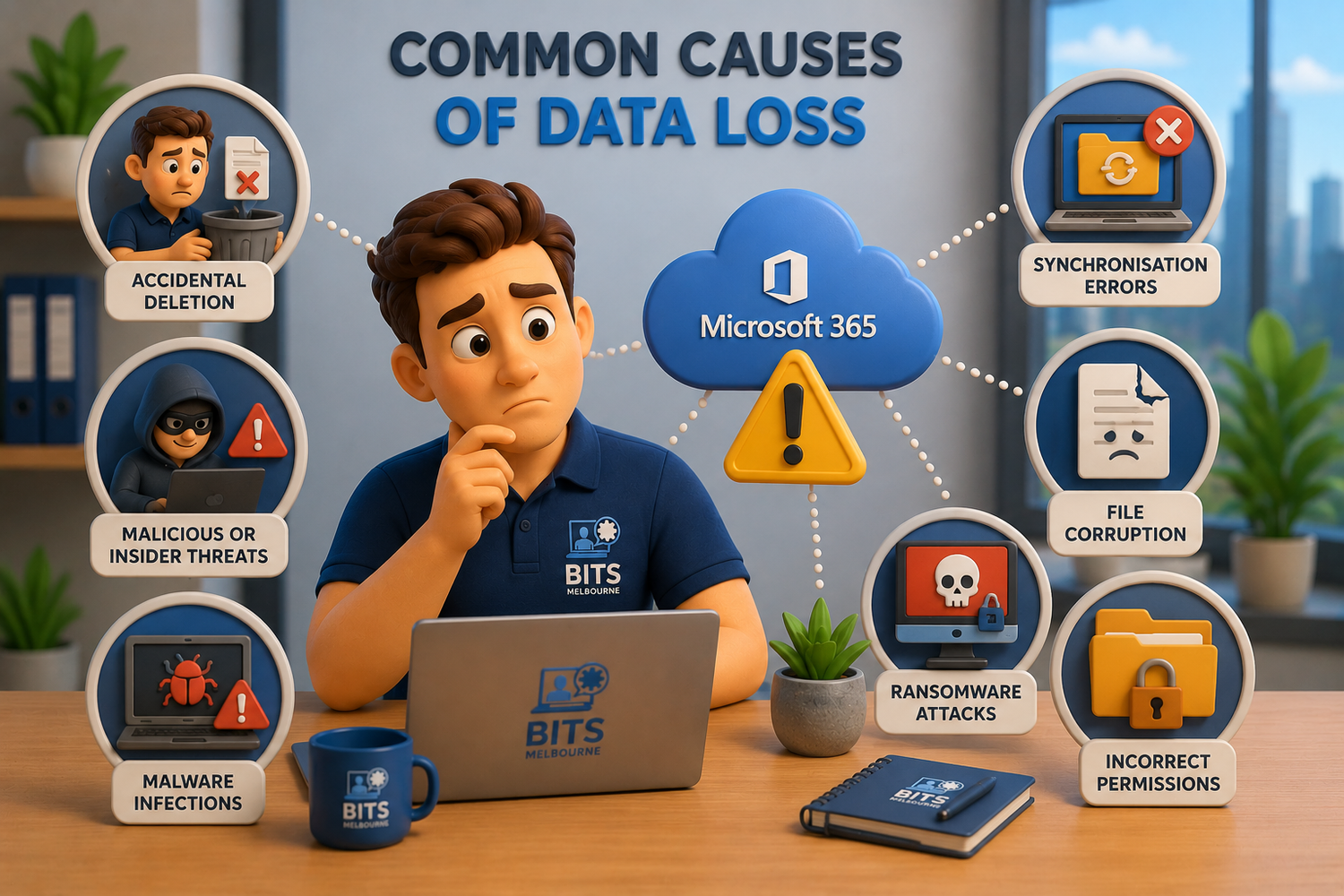
Accidental deletion, ransomware, malware, synchronisation errors and insider threats are some of the most common causes of Microsoft 365 data loss. BITS Melbourne helps businesses protect their emails, files, Teams and SharePoint data with secure Microsoft 365 backup solutions.
Many people assume hackers are the biggest threat.
In reality, we often see data lost because of:
Employees deleting files accidentally
Former staff removing information before leaving
Ransomware encrypting cloud files
Synchronisation errors
File corruption
Malware infections
Incorrect permission changes
These situations happen far more often than most businesses realise.
Isn't Microsoft Already Backing Everything Up?
Not exactly.
Microsoft focuses on:
Keeping the service available
Replicating infrastructure
Preventing hardware failures
They do not provide comprehensive point-in-time backups designed for business recovery.
Think of it this way:
Microsoft keeps the building standing.
Your backup protects everything inside it.
Why Dedicated Microsoft 365 Backups Matter
With a dedicated backup solution your business can:
Restore deleted emails
Recover entire mailboxes
Recover SharePoint sites
Restore OneDrive files
Recover Microsoft Teams data
Roll back ransomware damage
Meet compliance requirements
Restore information months after deletion
Instead of hoping the data still exists, you have complete control over your recovery.
How BITS Melbourne Protects Microsoft 365
As part of our Managed IT Services, we provide professional Microsoft 365 backup solutions designed specifically for business.
Our backups can protect:
Exchange Online
OneDrive
SharePoint
Microsoft Teams
Combined with cybersecurity, monitoring, endpoint protection and proactive support, businesses gain confidence knowing their cloud data is protected.
Independent backup is essential, but it works best inside a documented recovery process. Our guide to creating a small business IT disaster recovery plan explains how to connect backups with system priorities, responsible people, alternative connectivity and tested restoration steps.
Don't Wait Until It's Too Late
Many businesses only discover they don't have a proper backup after they've already lost important information.
Recovering from data loss is stressful, expensive and sometimes impossible.
A dedicated Microsoft 365 backup solution provides peace of mind that your emails, files and business documents can be restored whenever they're needed.
Need Microsoft 365 Backup Melbourne for Your Business?
If you're unsure whether your Microsoft 365 environment is properly protected, BITS Melbourne can help.
We offer free IT assessments where we'll review your Microsoft 365 environment, discuss your current backup strategy and identify any gaps before they become expensive problems.
Protecting your business data today is far easier than trying to recover it tomorrow.
Contact BITS Melbourne today to arrange your Free IT Assessment and ensure your Microsoft 365 data is properly protected.
How BITS Melbourne can help
BITS Melbourne works with small and growing organisations across Melbourne to assess technology, resolve recurring problems and build practical long-term improvements. You deal directly with experienced technicians who can support users remotely, attend onsite and connect the issue to the wider business environment.