
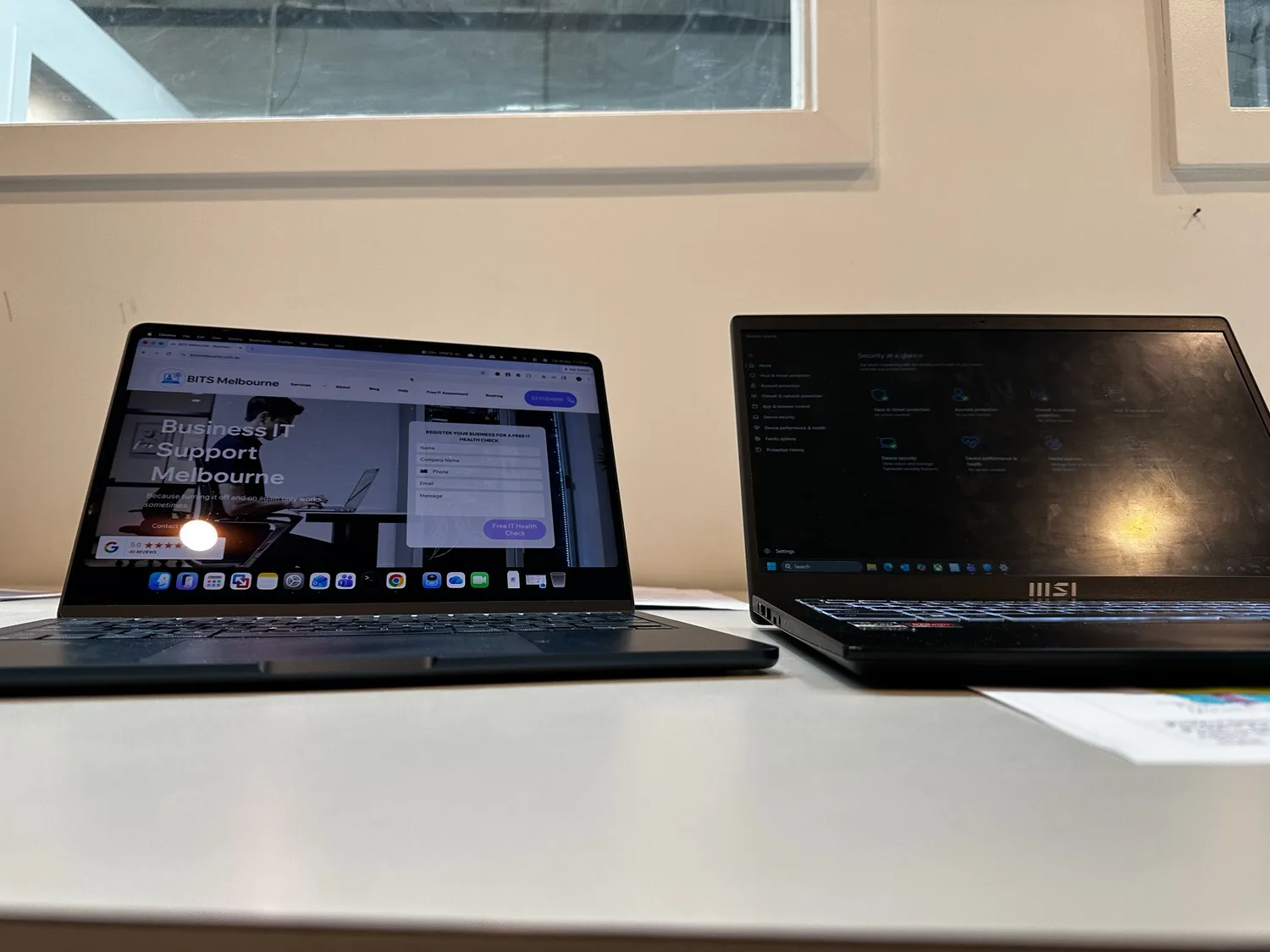
Proper employee onboarding starts with secure device preparation. BITS Melbourne configuring a business laptop and user account to ensure a smooth transition for a new team member.
Every business experiences staff changes. New employees join, existing employees move into different roles, and occasionally team members leave the organisation. While these changes are a normal part of running a business, they can create significant security risks if user accounts, devices, and access permissions are not managed correctly.
At BITS Melbourne, we regularly help Melbourne businesses onboard new staff members and securely offboard departing employees. What many business owners don't realise is that a simple oversight during these processes can lead to security vulnerabilities, lost productivity, and even data breaches.
Why Proper Employee Onboarding Matters
When a new employee starts, they need access to the tools and systems required to perform their role efficiently.
This often includes:
Microsoft 365 accounts
Email access
Shared files and folders
Business applications
Cloud services
WiFi and network access
Printers and shared devices
Without a structured onboarding process, businesses can quickly run into problems. Employees may receive incorrect permissions, miss access to critical systems, or begin using personal workarounds that create security risks.
A professional onboarding process ensures every new employee has the right access from day one while maintaining the security of your business systems.
The Hidden Risks of Employee Offboarding
While onboarding is important, offboarding is often where businesses face the greatest risk.
When an employee leaves a business, their access should be reviewed immediately. Unfortunately, many businesses forget to disable accounts, remove device access, or change shared passwords.
This can leave businesses exposed to:
Unauthorised access to company emails
Access to confidential files and documents
Continued access to cloud services
Security vulnerabilities through unmanaged devices
Potential compliance and privacy issues
Even when an employee leaves on good terms, old accounts and permissions create unnecessary security risks that can be exploited if not managed properly.

Proper employee offboarding involves more than simply disabling an email account. Businesses should review network access, user permissions, cloud services, and connected devices to ensure former employees no longer have access to company systems.
Common Issues We See
Many businesses assume that deleting an email account is enough. However, a proper offboarding process involves much more than that.
Common issues we encounter include:
Old Microsoft 365 accounts still active
Former staff members retaining access to shared files
Business laptops not reset correctly
Unmanaged devices still connected to company systems
Shared passwords remaining unchanged
Missing documentation around user access
These issues are surprisingly common and can create ongoing security concerns long after an employee has left. Our Managed IT Services and Business IT Support looks after all your accounts proactively and allows us to audit your active users regularly.
Why Businesses Need a Structured Process
A documented onboarding and offboarding procedure helps ensure consistency and security across the organisation.
A typical process should include:
New Employee Onboarding
Create Microsoft 365 account
Configure email and security settings
Enable multi-factor authentication
Configure laptop or workstation
Assign appropriate permissions
Install required software
Test access to business systems
Employee Offboarding
Disable Microsoft 365 account
Remove access to cloud platforms
Transfer business data where required
Reset business devices
Review shared permissions
Update passwords if necessary
Document all actions taken
Having a checklist helps ensure nothing is missed.
Contact us for a free IT assessment to keep your business running smoothly and efficiently at all times!
How Managed IT Services Simplify Staff Changes
One of the biggest benefits of managed IT services is having an experienced IT team handle onboarding and offboarding processes for your business.
At BITS Melbourne, we help businesses:
Configure new user accounts
Secure Microsoft 365 environments
Set up laptops and workstations
Manage user permissions
Protect business data
Securely remove access when staff leave
Maintain documentation and security standards
This helps businesses reduce risk, improve productivity, and ensure every employee has the tools they need to succeed.
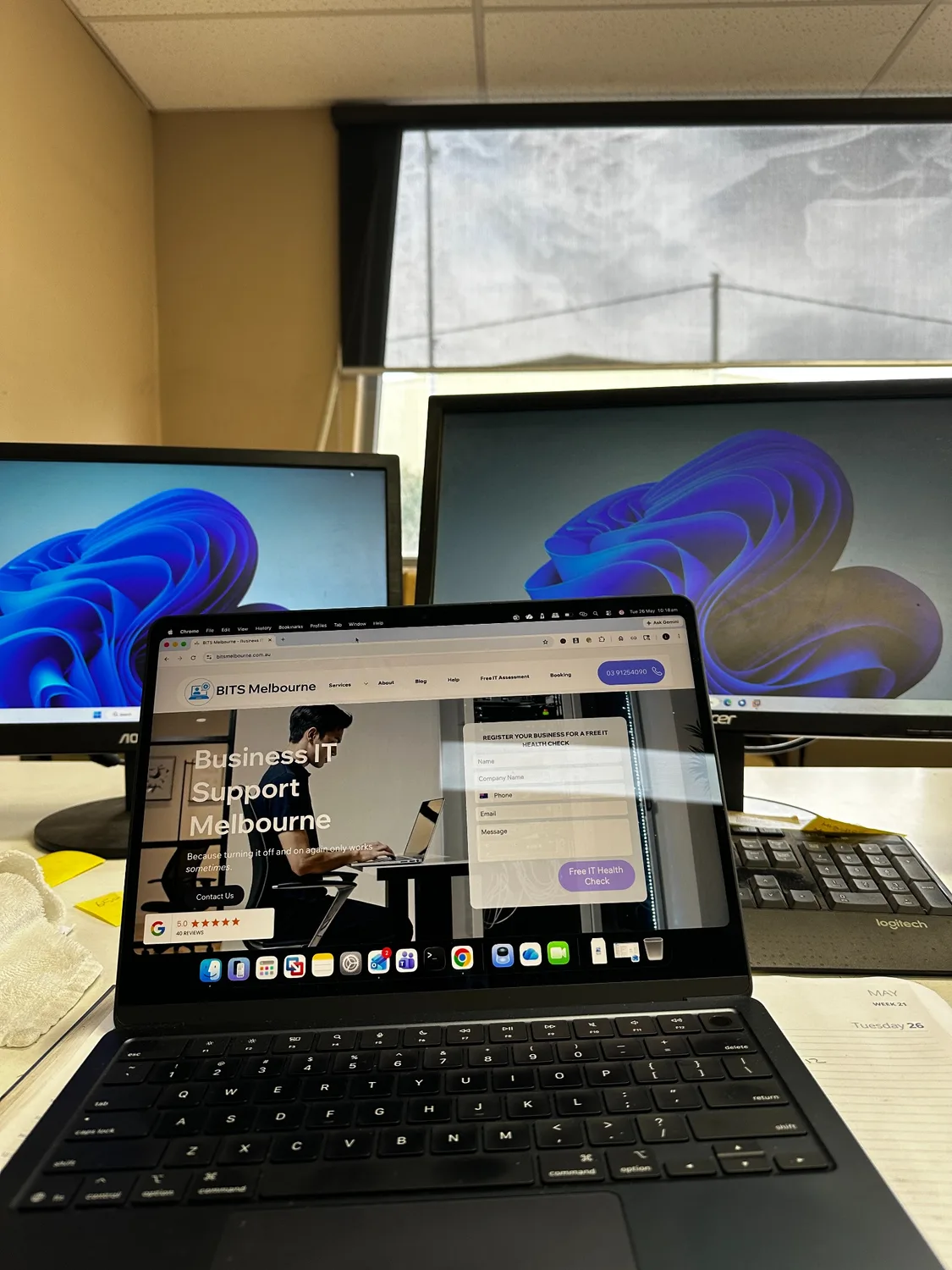
A properly configured workstation helps new employees become productive from day one. BITS Melbourne provides business laptop setup, Microsoft 365 configuration, and ongoing IT support for Melbourne businesses.
Final Thoughts
Employee onboarding and offboarding may seem like routine administrative tasks, but they play a critical role in protecting your business.
Proper user management helps maintain security, protect sensitive information, and ensure your team remains productive. Whether you're hiring new staff or managing employee departures, having the right processes in place can significantly reduce risk and improve operational efficiency.
If you're unsure whether your business is following best practice when it comes to user account management, BITS Melbourne can help.
Our team provides business IT support, Microsoft 365 management, cybersecurity solutions, and managed IT services for businesses throughout Melbourne and the western suburbs.
Need help securing your business systems? Contact BITS Melbourne today to arrange a free IT assessment.
Employee Onboarding and Offboarding Business Security with BITS Melbourne!
How BITS Melbourne can help
BITS Melbourne works with small and growing organisations across Melbourne to assess technology, resolve recurring problems and build practical long-term improvements. You deal directly with experienced technicians who can support users remotely, attend onsite and connect the issue to the wider business environment.