
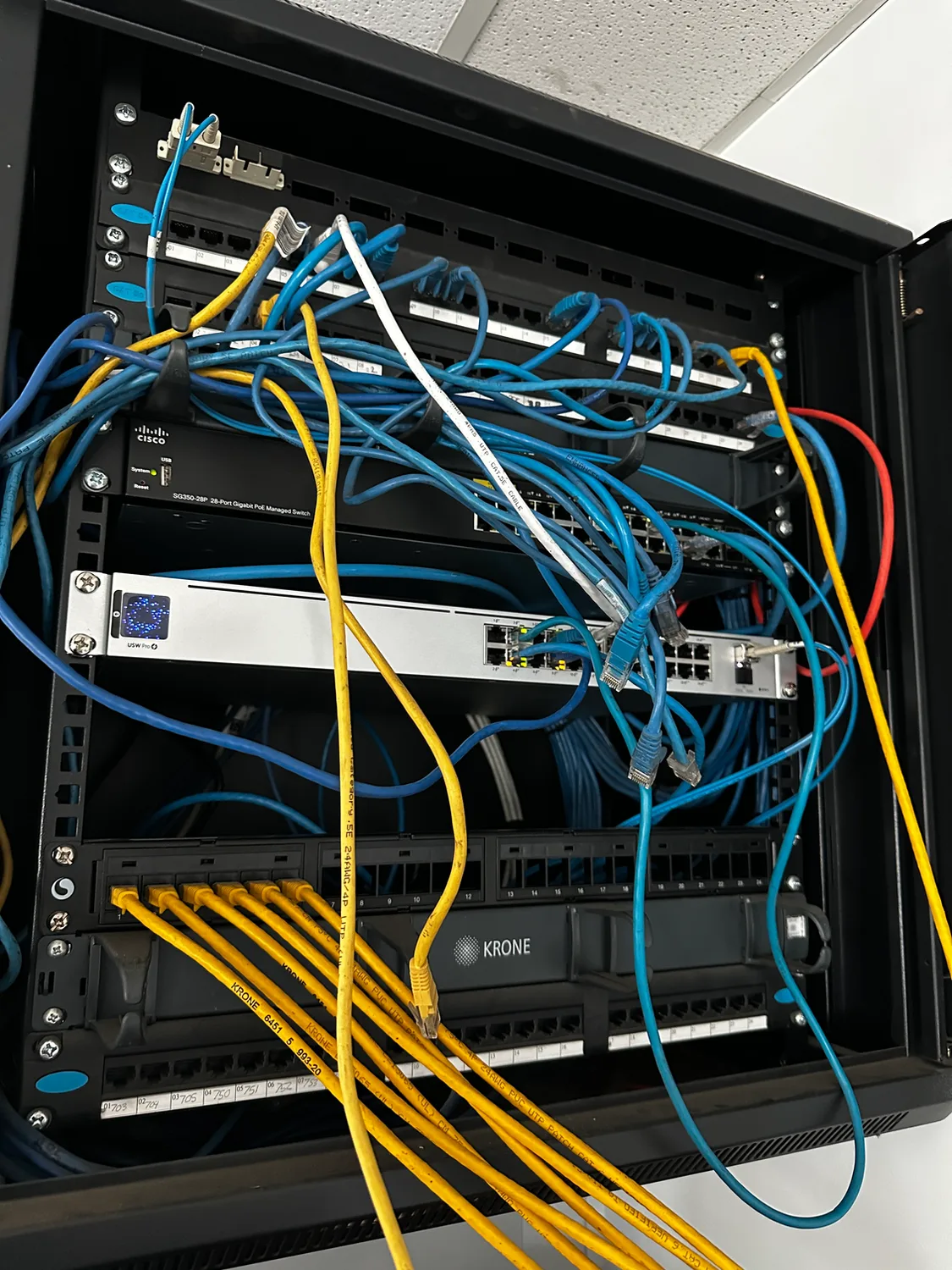
A common issue we encounter during onsite assessments. Ageing network infrastructure and poor cable management can impact reliability, troubleshooting, and future scalability.
Reliable WiFi has become one of the most important parts of modern business operations. Whether your staff are working from laptops, using cloud applications, making VoIP phone calls, processing transactions, or connecting mobile devices, your wireless network plays a critical role in day-to-day productivity.
At BITS Melbourne, we regularly visit businesses across Melbourne and Laverton that are experiencing slow internet speeds, poor wireless coverage, frequent disconnections, and unreliable network performance. In many cases, the issue is not the internet connection itself. The real problem is outdated wireless access points and ageing network infrastructure.
How Long Do Wireless Access Points Last?
Most commercial wireless access points in Melbourne have a practical lifespan of around 5 to 7 years.
While older equipment may continue functioning beyond this timeframe, it often struggles to keep up with modern business requirements. As more devices connect to the network and cloud-based applications become increasingly common, older wireless technology can quickly become a bottleneck.
Many businesses are still operating wireless equipment that was installed years ago and has never been reviewed or upgraded.
Signs Your Business WiFi Needs Upgrading
If your business is experiencing any of the following issues, it may be time to consider replacing your wireless access points:
Slow WiFi speeds throughout the office
Dead spots where wireless devices lose connectivity
Staff regularly disconnecting from the network
Poor performance during video calls and Microsoft Teams meetings
Delays accessing cloud applications
Wireless printers frequently dropping offline
Visitors or guests unable to connect reliably
Network equipment that is more than five years old
These issues can impact staff productivity, customer experience, and overall business efficiency.
Why Older Wireless Networks Become a Problem
Technology has changed dramatically over the last decade.
Modern businesses rely heavily on Microsoft 365, SharePoint, OneDrive, Teams, cloud accounting platforms, VoIP phone systems, security cameras, mobile devices, and remote access solutions.
Older wireless equipment was never designed to support dozens or even hundreds of devices simultaneously.
As a result, businesses often experience:
Reduced network performance
Increased support requests
Security vulnerabilities
Poor user experience
Difficulty expanding the business network
What may have been adequate five years ago can quickly become a major limitation today.
The Security Benefits of Upgrading Wireless Infrastructure
Performance is not the only reason to upgrade.
Modern wireless access points include significantly improved security features designed to protect businesses against emerging cyber threats.
Benefits often include:
Improved encryption standards
Better network segmentation
Guest network isolation
Enhanced device management
Automatic security updates
Improved visibility into connected devices
For businesses handling sensitive client information, upgrading wireless infrastructure can play an important role in improving overall cybersecurity.
What Does a Modern Business Network Look Like?
A professionally designed business network should provide reliable coverage across the entire workplace while supporting current and future business requirements.
Modern business networks typically include:
Enterprise-grade wireless access points
Managed switches
Business firewalls
Structured cabling
Network monitoring
Secure remote access
Cybersecurity protection
Backup internet failover where required
By investing in the right infrastructure, businesses can reduce downtime, improve productivity, and provide a better experience for both staff and customers.
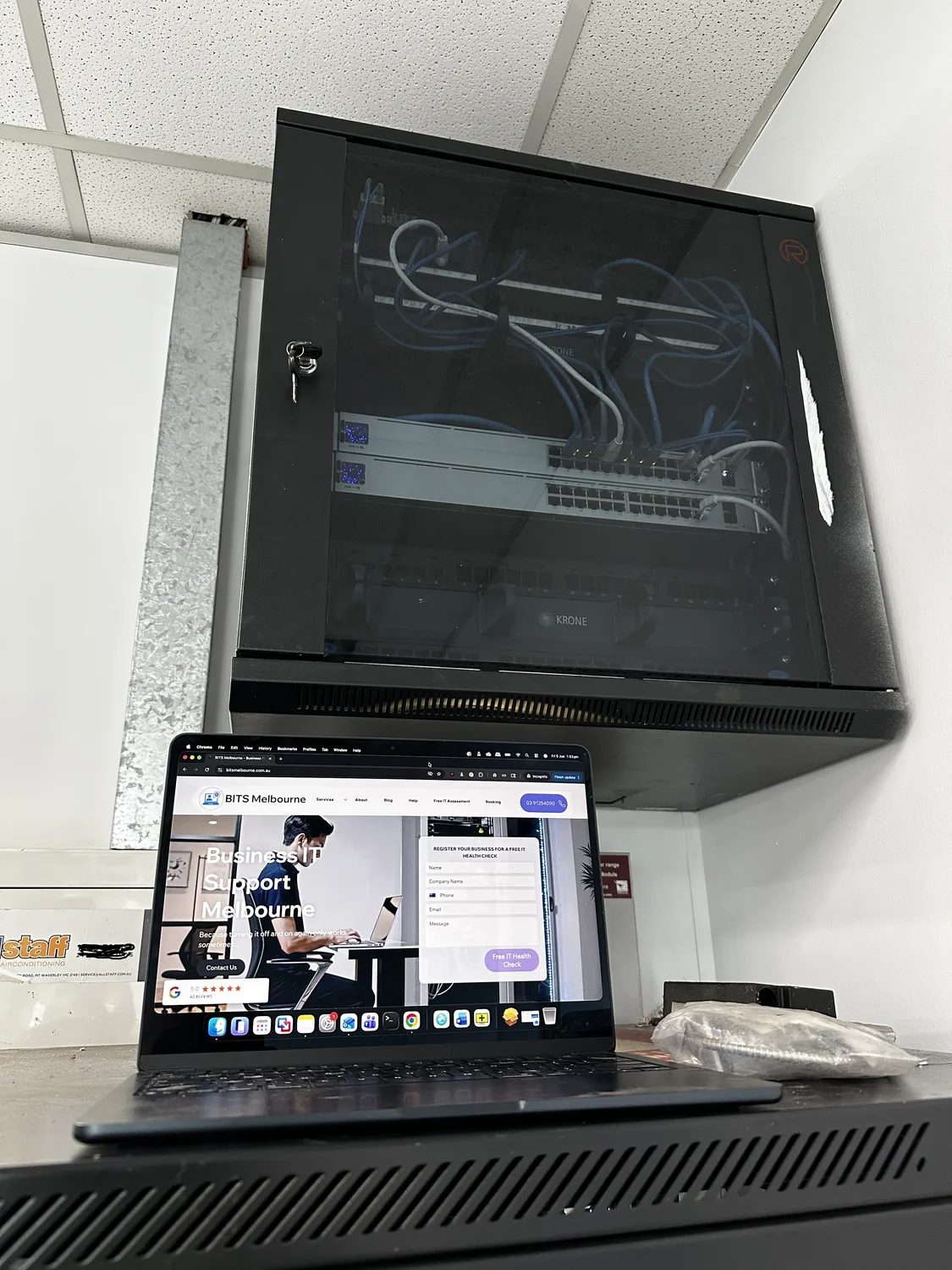
Every successful network upgrade starts with a thorough onsite assessment. We evaluate existing infrastructure, identify bottlenecks, and recommend practical improvements.
Real World Example - Wireless Access Points Melbourne
We recently attended a Melbourne business that was experiencing network reliability issues caused by ageing infrastructure and outdated networking equipment.
Following an assessment of the existing environment, we identified several opportunities to improve performance, reliability, and future scalability. By modernising the network infrastructure and reviewing the wireless design, the business was able to significantly improve overall connectivity and prepare for future growth.
Many organisations assume they need a faster internet connection when the real issue lies within the internal network itself.
How BITS Melbourne Can Help
At BITS Melbourne, we provide professional wireless network design, business WiFi upgrades, network troubleshooting, cybersecurity services, and ongoing IT support for businesses across Melbourne.
Whether you're operating from a small office, medical clinic, warehouse, retail store, or multi-site organisation, we can assess your current network and recommend practical improvements that support your business goals.
If your business is experiencing slow WiFi, poor coverage, or unreliable network performance, now may be the perfect time to review your infrastructure.
Need Help With Your Business Network?
BITS Melbourne helps businesses across Melbourne improve network performance, strengthen cybersecurity, and reduce downtime through professional IT support and managed services.
Contact our team today to arrange a free IT assessment and discover how a modern business network can improve productivity, reliability, and security.
Booking Page
How BITS Melbourne can help
BITS Melbourne works with small and growing organisations across Melbourne to assess technology, resolve recurring problems and build practical long-term improvements. You deal directly with experienced technicians who can support users remotely, attend onsite and connect the issue to the wider business environment.